DS-160 Form Guidelines 2026: How to Fill US Visa DS-160 Form Online Without Mistakes
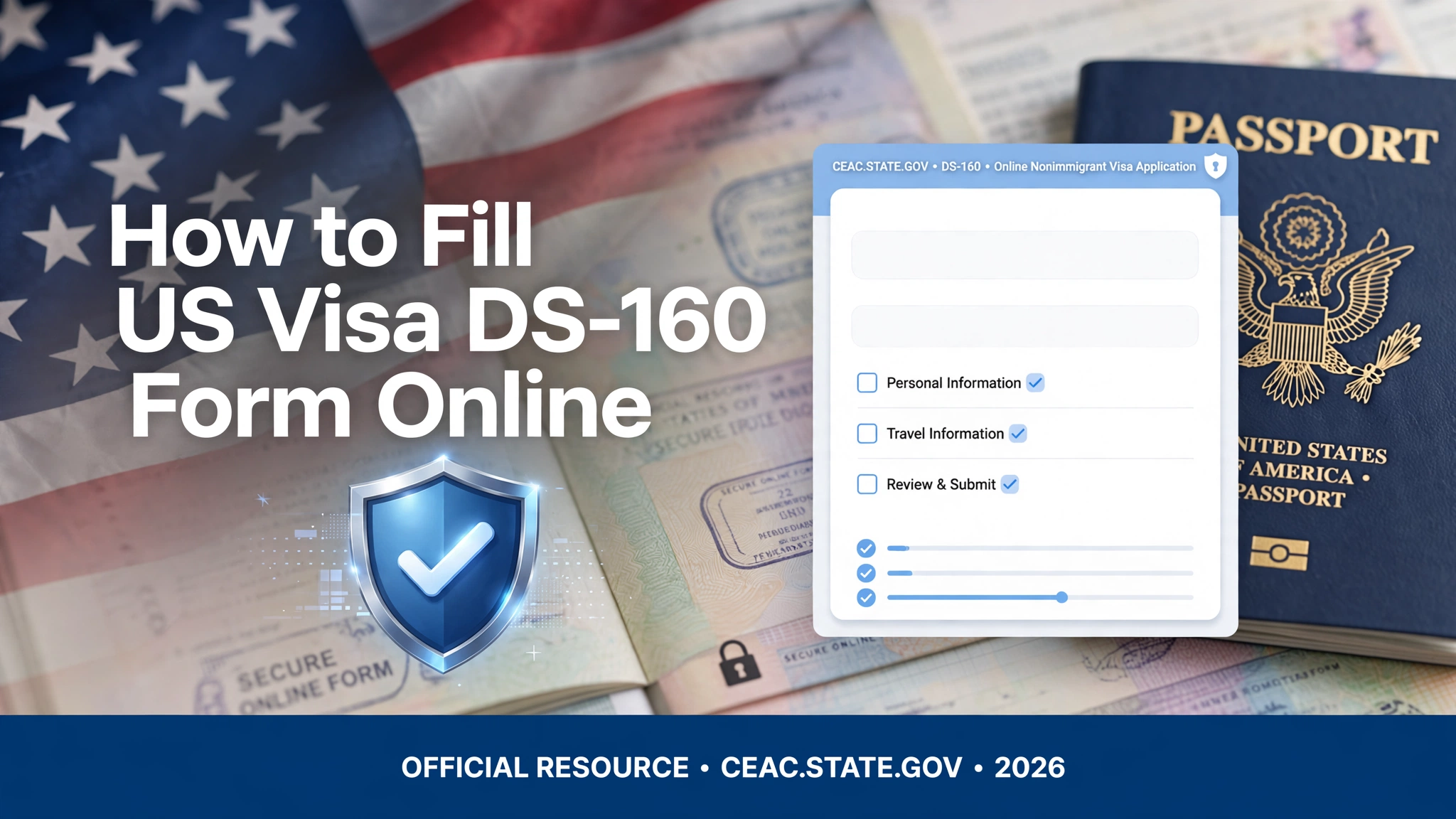
Filing a United States nonimmigrant visa requires navigating the complex CEAC portal to complete your digital paperwork. Knowing how to fill US Visa DS-160 form online accurately is the absolute foundation of securing an embassy interview approval. Even a single character mismatch or typographical mistake can lead to immediate visa rejection or lengthy administrative processing delays under Section 221(g).
Whether you are applying for a B1/B2 tourist visa, an F-1 student permit, or a work authorization route, this updated checklist covers the official DS-160 Form guidelines 2026 to ensure your paperwork is flawless.
🗒️ Core Requirements Before Starting Your CEAC Application
Before opening the official Consular Electronic Application Center (CEAC) portal, ensure you have the following verification documents physically ready on your desk:
- A valid international passport with at least 6 months of validity remaining.
- Your complete travel itinerary or hotel booking details in the United States.
- Dates of your last five visits to the US (if applicable) and international travel history.
- A digital passport-style photograph (5×5 cm, white background, less than 240KB in file size).
💻 Step-by-Step Walkthrough: How to Fill US Visa DS-160 Form Online
1. Select your Location and Save Your Application ID
Navigate to the official CEAC website. Select the specific country and city where you plan to book your physical visa interview appointment. Click “Start an Application.” Immediately copy and save the Application ID shown in the top right corner. Set up a security question that you will remember; you will need these parameters to retrieve your form if the session times out.
2. Fill in Personal, Travel, and Companion Details
Enter your legal name exactly as it appears on your passport data page. When filling out travel details, ensure your intended date of arrival matches your financial bank statements or sponsor letters. If family members are traveling with you, declare them precisely in the travel companions section.
3. Declare Previous US Travel and Security Protocols
Be 100% transparent about any prior US visas, border entry records, or past immigration rejections. Answering “No” to a past rejection that exists in the system constitutes willful misrepresentation, which carries a lifetime entry ban. Complete the security and background security questions accurately.
⚠️ Critical Warning: Can I Sign DS-160 for Someone Else?
A very frequent point of confusion among families is: Can I sign DS-160 for someone else?
According to official US Department of State regulations, No, you cannot electronically sign the form for another adult application, even if they are your sibling or parent.
If an applicant does not know English or lacks computer literacy, a third party or relative living in the USA can legally act as a preparer to assist them. However, you must explicitly declare your details in the “Preparer” section at the end of the form. The actual applicant must personally review the data and click the final electronic submission link from their physical location. Clicking the signature button for someone else can be flagged as administrative fraud.
🔎 Resolving the DS-160 Form Sign and Submit Error
Many applicants experience a frustrating DS-160 form sign and submit error right at the final confirmation screen. This technical loop typically happens due to old browser cache mismatches or passport number formatting errors.
To bypass the runtime login or submission error instantly:
- Switch to Incognito Mode: Wiping your browser cache or opening the portal in a private window stops old session tokens from freezing the data fields.
- Remove Hyphens and Spaces: Ensure your passport number is entered as a continuous string of alpha-numeric characters without special symbols.
- Re-upload the Digital Photograph: If the portal cannot sync your uploaded image file with the secure database server, it will lock the signature tab. Re-cropping your digital photograph to exactly 600×600 pixels usually solves the error code.
📅 Getting Your US Visa Application Form PDF Download Confirmation
Once you successfully bypass the verification screens and click submit, the system will lock your profile and generate a distinct DS-160 Confirmation Page featuring a unique barcode.
You do not need a complete US visa application form PDF download of your entire multi-page response for the embassy gate, but you MUST print the single-page Barcode Confirmation Sheet. Bring this physical printed sheet alongside your visa fee payment receipt to your biometric and consular interview appointments.
📌 Frequently Asked Questions (FAQs)
A: Once a DS-160 form is submitted online, it cannot be modified or unlocked. If you spot a major error, you must start a brand-new application form on the CEAC portal, obtain a new Application ID, print the new confirmation page, and update your profile tracking dashboard before booking your embassy slot.
A: Partially completed DS-160 applications saved locally on your computer are valid for 30 days. However, once the form is completely submitted and the final confirmation barcode is generated, the document remains active in the official system database for up to one year.
A: Yes, anyone can pay your visa application fee as long as they input the correct unique CGI reference profile details or application codes generated by the appointment booking service.
💡 Conclusion
Mastering how to fill US Visa DS-160 form online without mistakes is the absolute first step toward a successful travel plan. By following these core DS-160 form guidelines 2026, handling session timeouts securely, and avoiding the electronic signature traps, you ensure your administrative paperwork flows seamlessly. Keep your confirmation page printed safely, bring your required supporting documents, and ensure complete data accuracy to lock in your visa approval chances at the embassy.
⚠️ Disclaimer
govtformsguide.com is a privately owned, independent educational portal and is not affiliated with, endorsed by, or connected to the U.S. Department of State, the Bureau of Consular Affairs, or any official United States government agency or embassy. The immigration insights, document checklists, and technical troubleshooting steps provided in this guide are for general informational and educational purposes only. While we strive to keep the 2026 guidelines accurate and up to date, immigration policies can change rapidly without notice. Users are strongly advised to always cross-reference and verify all filing protocols, fees, and instructions directly through the official government portal at ceac.state.gov before submitting any legal documentation.