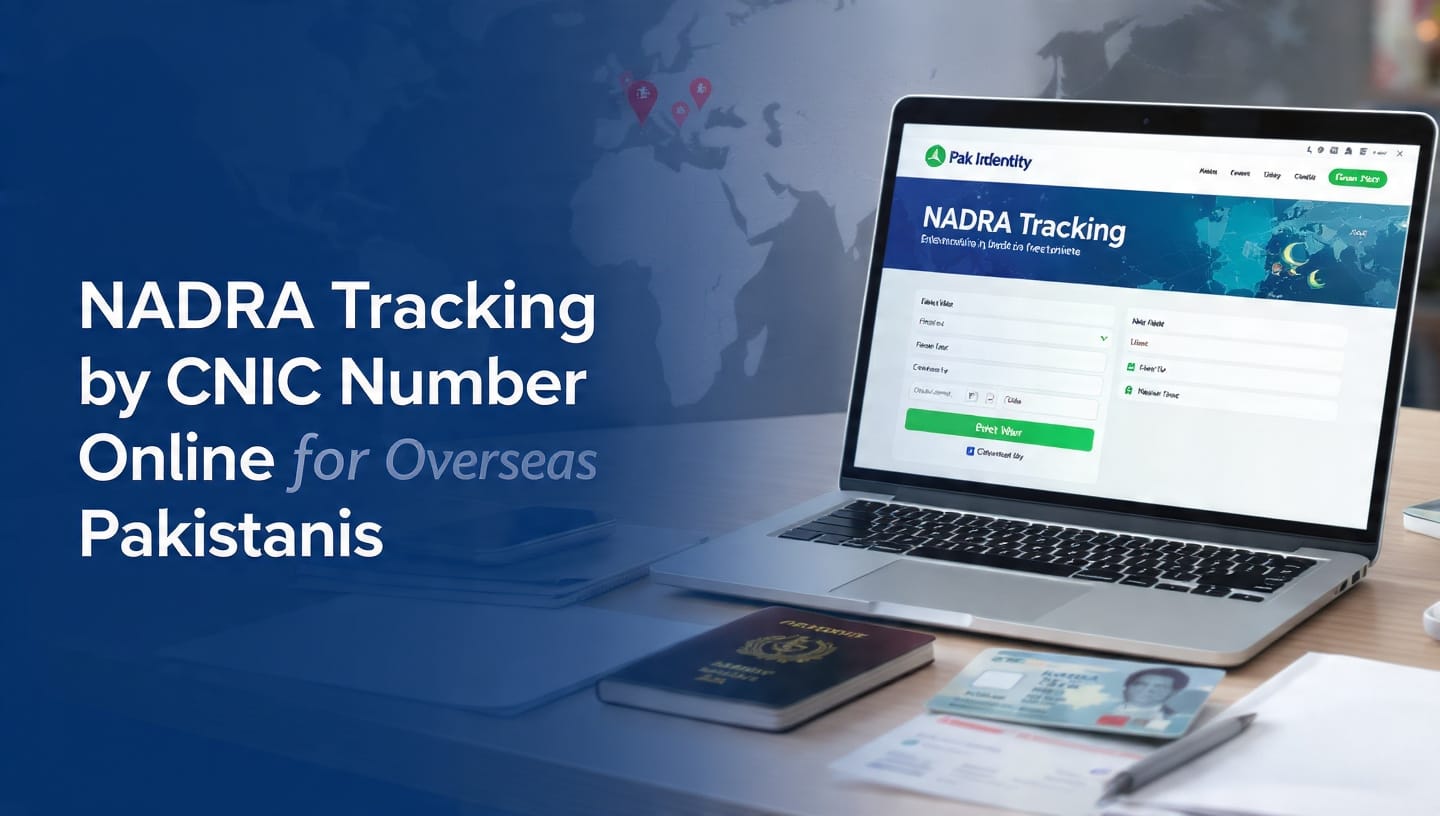
NADRA Tracking by CNIC Number Online for Overseas Pakistanis: 2026 Guide
🌍 Track Your NADRA Application Now
Check your NICOP, CNIC, FRC, and Modification application status online from the USA, UK, UAE, KSA, and worldwide.👉 Track Now: Pak Identity Portal
⚠️ Use 15-Digit Tracking ID or CNIC Number to check status instantly
🔍 NADRA Tracking by CNIC Number Online for Overseas Pakistanis: 2026 Guide
Living abroad and stressed about your NADRA card? You can now check everything online. This 2026 Ultimate Guide shows exactly how to track NADRA via CNIC number online for overseas Pakistanis through the official Pak Identity portal.
We will cover Pak Identity tracking by CNIC online, the full NADRA application tracking status guide, how to track NICOP delivery status overseas, and the official NADRA tracking contact number and helpline. No agent needed.
Quick Overview Tables: NADRA Tracking 2026
Table 1: Official Portal & Contact Details
| Detail | Information for Overseas Pakistanis |
|---|---|
| Official Portal | https://pakidentity.nadra.gov.pk |
| Tracking Methods | By 15-Digit Tracking ID | By CNIC Number | By Email |
| Applications Tracked | NICOP, CNIC, POC, FRC, Child Registration, Modification |
| NADRA Helpline | +92 51 111 786 100 | support@nadra.gov.pk | WhatsApp: +92 300 111 7860 |
| Support Hours | 24/7 Online | Call Center: 8 AM to 8 PM PKT |
Table 2: NADRA Application Tracking Status Guide
| Status | Meaning | What To Do |
|---|---|---|
| Submitted | Application received by NADRA | Wait 2-3 working days |
| Under Verification | Documents being checked | No action needed |
| Biometrics Required | Fingerprints or photo issue | Re-upload via app |
| Approved | Application approved | Wait for printing |
| Printing | Card is being printed | 1-2 working days |
| Dispatched | Sent via DHL/FedEx | Use courier tracking number |
| Rejected | Document issue | Check email and reapply |
Table 3: Delivery Time & Courier Info for Overseas
| Country | Estimated Delivery Time | Courier Used |
|---|---|---|
| USA / Canada | 5-7 Working Days | DHL Express |
| UK / Europe | 5-8 Working Days | DHL / FedEx |
| UAE / KSA / Qatar | 3-5 Working Days | DHL Express |
| Australia | 6-9 Working Days | DHL Express |
1. Why NADRA Tracking Matters for Overseas Pakistanis in 2026
For millions of Pakistanis living in the USA, UK, Canada, UAE, and KSA, NADRA documents are critical. NICOP is needed for bank accounts, property, visa, and inheritance. Delays can cost you.
With NADRA tracking by CNIC number online for overseas Pakistanis, you get 100% transparency. You will know if your application is stuck, rejected, or shipped without calling anyone.
Key Benefits:
- Real-Time Updates: See “Under Review”, “Printing”, or “Dispatched” live
- Zero Embassy Visits: Track from New York, London, or Dubai at 2 AM
- Courier Tracking: Get DHL number for Track NICOP delivery status overseas
- Save Money: Catch document errors early before re-application fees
2. How to Do Pak Identity Tracking by CNIC Online – Step by Step
Pak Identity tracking by CNIC online is the fastest method. You don’t need to login.
- Step 1: Open Official Portal
Go to https://pakidentity.nadra.gov.pk and click “Track Application” on the top menu. - Step 2: Select Tracking Option
Choose “Track by CNIC”. Enter your 13-digit CNIC number. Do not use dashes. - Step 3: Enter Captcha
Type the security code shown and click “Search”. - Step 4: View All Applications
All NICOP, CNIC, and FRC linked to your CNIC will appear with current status. - Step 5: Check Courier Details
If status is “Dispatched”, click “Track Delivery” to get the DHL/FedEx AWB number.
Pro Tip: Your 15-digit Tracking ID from email is even faster. It gives direct status.
3. Complete NADRA Application Tracking Status Guide Explained
Understanding status codes is important. Here is the detailed NADRA application tracking status guide:
Submitted: NADRA has received your application and payment. Takes 24 hours to reflect.
Under Verification: NADRA team is verifying documents, guarantor, and photo. This takes 3-7 days. If stuck for 15 days, call the helpline.
Biometrics Required: Your fingerprints or photo failed quality check. Login and re-upload using the Pak Identity app.
Approved: Application passed. Now it will go for printing.
Printing: Your NICOP/CNIC card is being printed at NADRA facility. Takes 1-2 days.
Dispatched: Most important status. Your card is with DHL. You will see a tracking number here. Use it to track NICOP delivery status overseas.
Rejected: Check email for reason. Common reasons: blurry photo, wrong guarantor, signature mismatch.
4. How to Track NICOP Delivery Status Overseas with DHL
Once printed, NADRA ships via DHL. To track NICOP delivery status overseas:
Method 1: Via Pak Identity Portal
- Login > My Applications > Click “Track Delivery” button
- Copy 10-digit DHL AWB number
- Paste on https://www.dhl.com to see live location
Method 2: Via Email
NADRA sends an email with the subject “Your NADRA Document Has Been Dispatched” within 6 hours of dispatch.
Method 3: Call Helpline
Call the NADRA tracking contact number and helpline +92 51 111 786 100. Tell them the Tracking ID and ask for the courier number.
5. NADRA Tracking Contact Number and Helpline for Overseas Pakistanis
If status is stuck for 31+ days, contact NADRA directly. Use this official NADRA tracking contact number and helpline:
- Call Center: +92 51 111 786 100 – 8 AM to 8 PM PKT
- Email: support@nadra.gov.pk – Reply in 24 hours
- WhatsApp: +92 300 111 7860 – For quick status
- Live Chat: Available on Pak Identity portal 24/7
When calling from abroad: Dial +92 51 111 786 100. Keep CNIC and Tracking ID ready.
6. 7 Common Problems in NADRA Tracking & Solutions
- CNIC Not Found Error: Old CNICs issued before 2012 may not show. Use Tracking ID instead.
- Status Not Updating: Portal updates every 24 hours. Check once daily only.
- No Courier Number Showing: It appears only after “Dispatched”. Wait 12 hours after printing.
- Application Rejected: Read email carefully. 90% rejections are due to the photo background not being white.
- Wrong Address: You can update the address only before “Printing” status.
- Duplicate Application: Tracking will show both. Cancel the old one to avoid confusion.
- Website Not Loading: Use Chrome. Clear cache. Portal is slow during peak hours 9 AM- 12 PM PKT.
8. Important FAQs
Q1: How can I do NADRA tracking by CNIC number online for overseas Pakistanis?
A: Visit https://pakidentity.nadra.gov.pk, click Track Application, select By CNIC, enter 13-digit CNIC and captcha code.
Q2: What is the Pak Identity tracking by CNIC online process?
A: It is a free tool on the Pak Identity portal where overseas Pakistanis enter CNIC to see the status of NICOP, CNIC, and FRC without login.
Q3: Where can I find the NADRA application tracking status guide?
A: The full guide with 7 statuses is given in Table 2 above. Check “Dispatched” for courier info.
Q4: How to track NICOP delivery status overseas?
A: After the Dispatched status, use the DHL/FedEx AWB number from the Pak Identity portal. Delivery takes 3-9 days depending on the country.
Q5: What is the NADRA tracking contact number and helpline?
A: Call +92 51 111 786 100, Email support@nadra.gov.pk, WhatsApp +92 300 111 7860.
Q6: Can I track FRC and POC applications too?
A: Yes. All applications applied through Pak Identity can be tracked by CNIC or Tracking ID.
Q7: How long does NADRA take to deliver NICOP to the USA?
A: 5-7 working days after Dispatched status via DHL Express.
Q8: What if my tracking shows Rejected?
A: Check email for reason, fix documents, and reapply. No extra fee if within 30 days.
Final Verdict: Is Online Tracking Worth It in 2026?
100% Yes. NADRA tracking by CNIC number online for overseas Pakistanis has removed all guesswork. Use Pak Identity tracking by CNIC online every 3 days. For delivery, use Track NICOP delivery status overseas with DHL. And save the NADRA tracking contact number and helpline for emergencies.
Share this guide with your family abroad. Drop your question below if your status is stuck.